
Shopify store monitoring in Canada
Bilby watches Canadian Shopify stores the way a customer in Calgary would: a nightly visit at about 2 am in your store’s time zone from Bilby’s Toronto region, in a real browser, on desktop and mobile, through to the payment step. Billed in US dollars. From US$29 a month.
Prices are in US dollars. Checkout adds nothing to them. Bilby walks your store at about 2 am Eastern time in Toronto and about 2 am Pacific time in Vancouver.
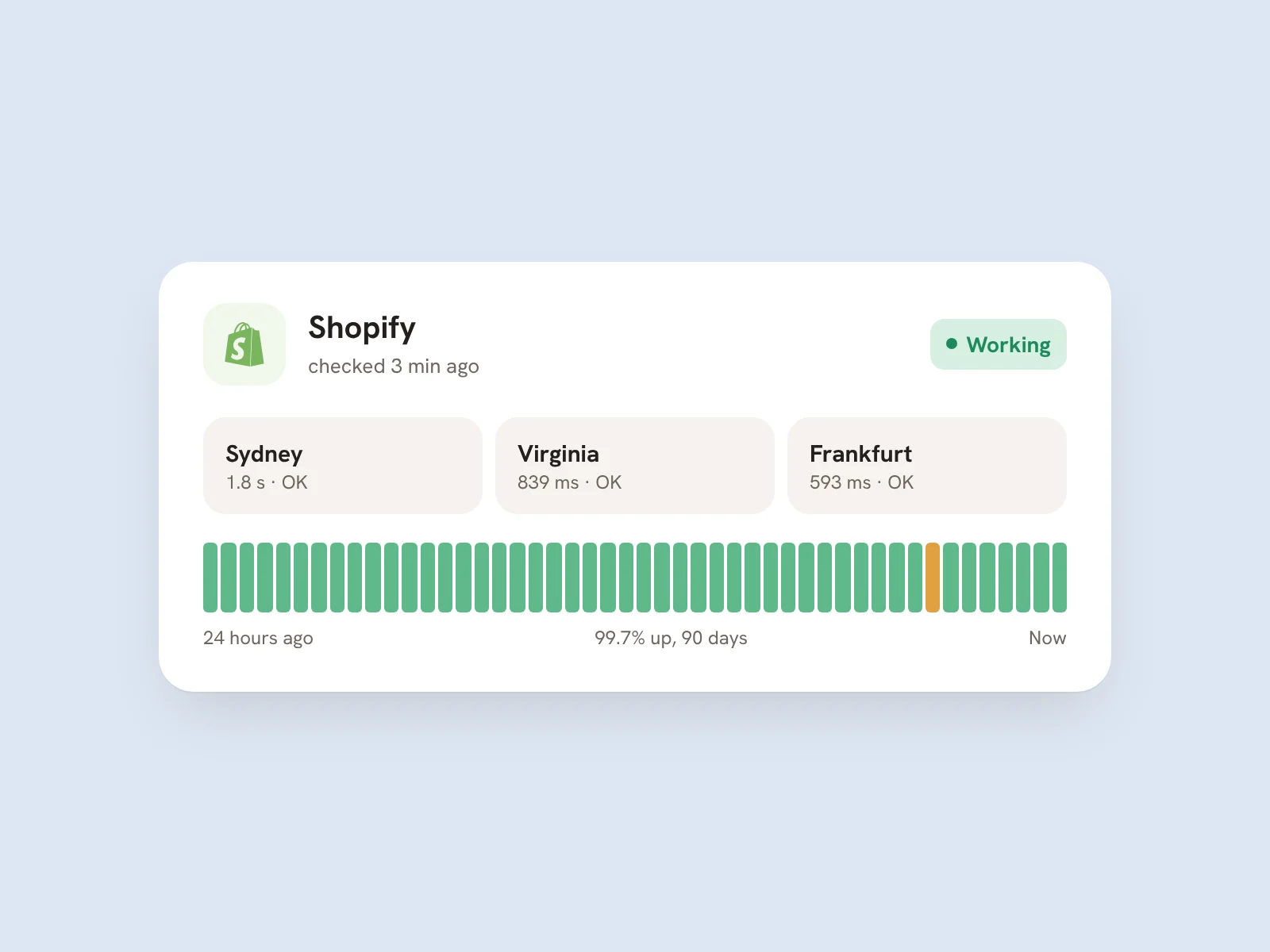
Questions people ask
Does Bilby visit my store from Canada, and when?
Yes. Bilby’s Toronto region visits Canadian stores at about 2 am in the store’s own time zone — Pacific, Mountain, Central, Eastern or Atlantic, whichever the store is set to — in a real Chromium browser on a 1440×900 desktop and a 390×844 phone, home → product → cart → checkout, stopping at the payment step. Nothing is ordered.
Speed and Core Web Vitals are measured from Toronto, so a Vancouver store’s numbers reflect a Canadian connection rather than one from Sydney. Bilby never enters card details and never needs access to your Shopify admin; it visits the public storefront as a customer would and photographs the payment step, then stops.
What breaks on Canadian Shopify stores that a pinger misses?
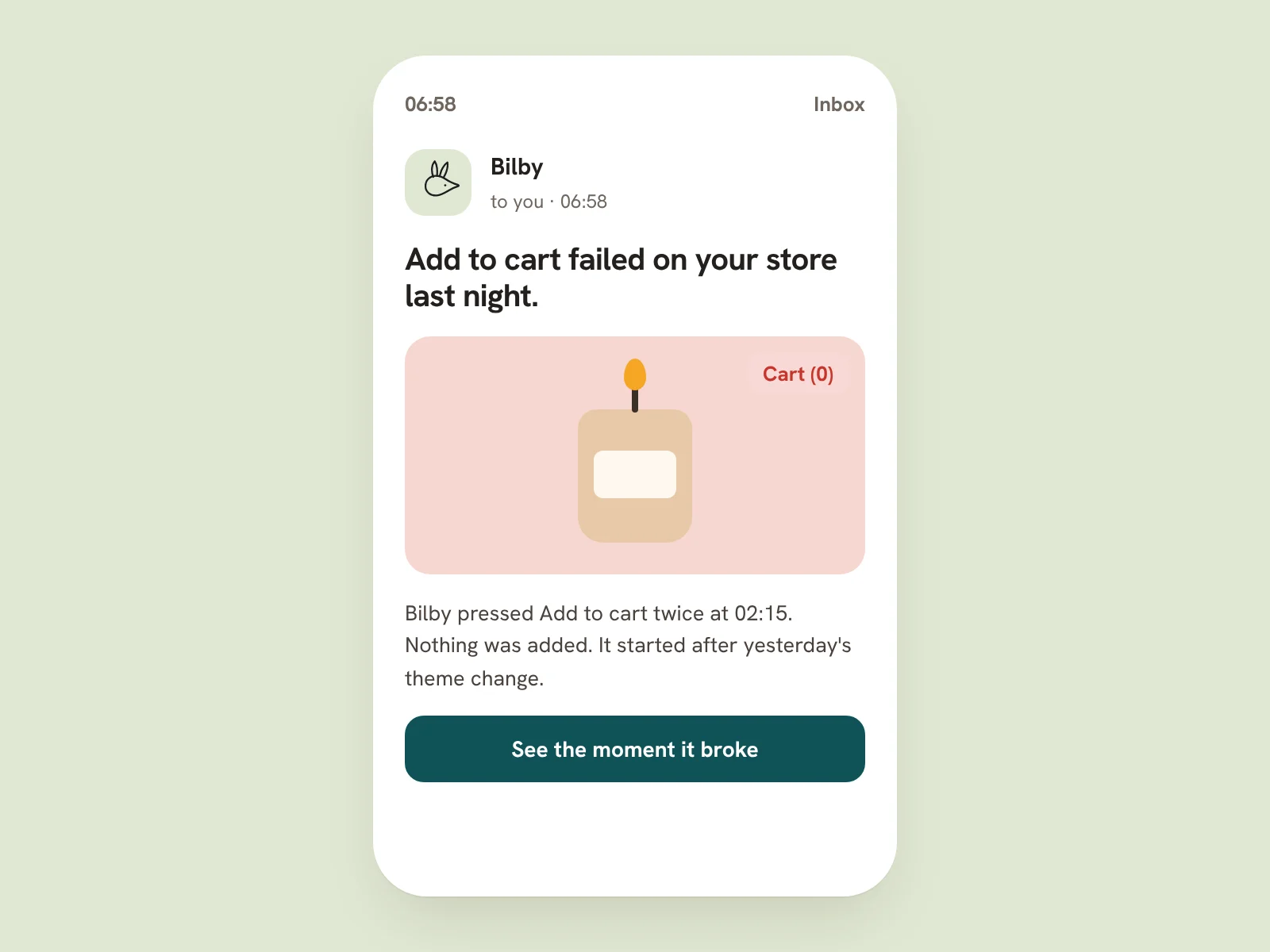
A Canada Post rate that stops returning at checkout, a French-language market page that 404s, a Shop Pay or Sezzle button that errors, or a mobile theme update that hides add-to-cart. The homepage still answers 200.
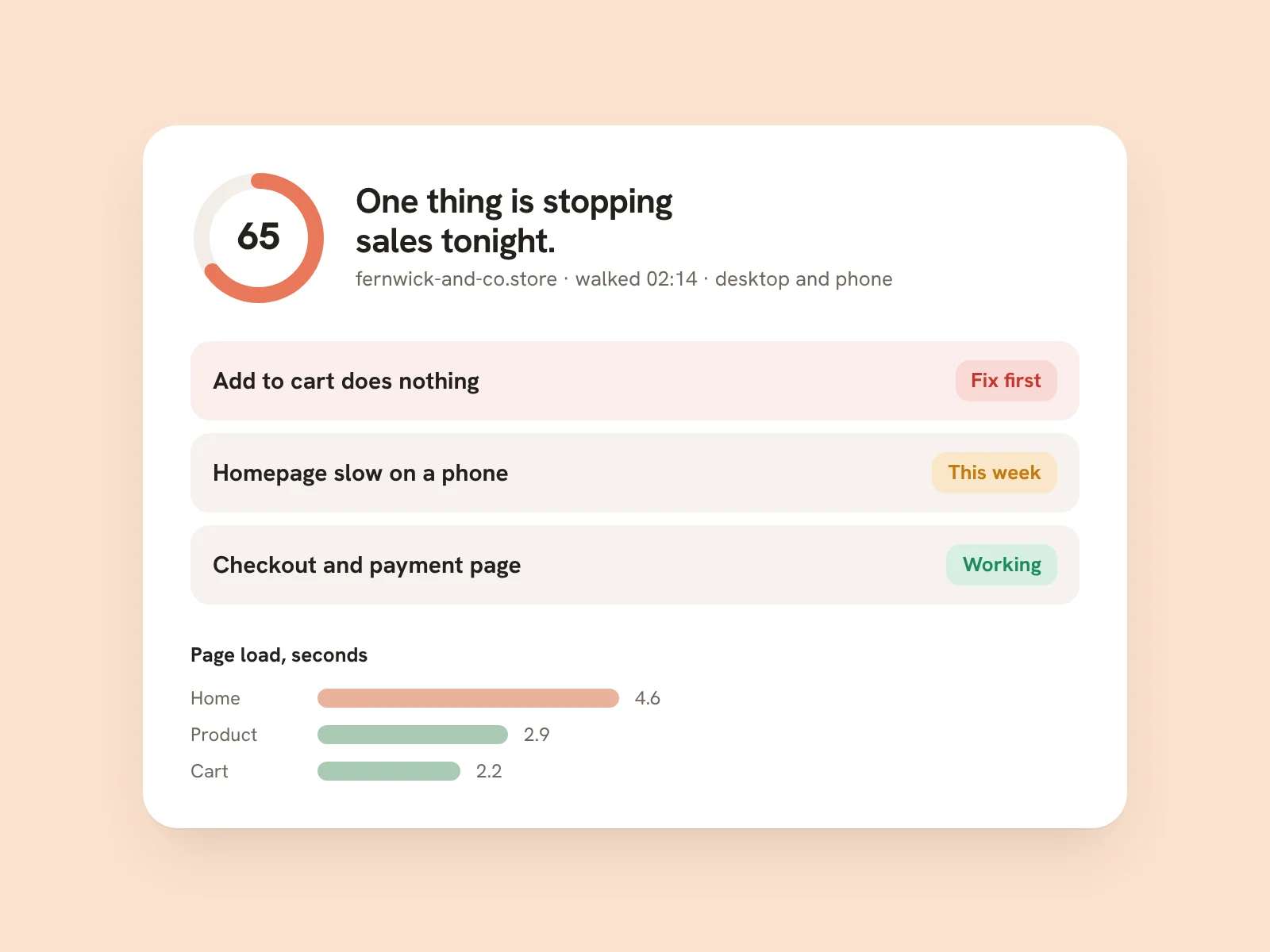
Bilby visits the store as a shopper, not as a script that checks one URL: it presses the buttons, waits for shipping to resolve, reads the checkout for error text, and photographs the screen where the visit stalled, with the fix written underneath.
How much does Bilby cost in Canadian dollars?
Bilby is billed in US dollars wherever you are: US$29 a month for one store, Bilby Pro US$79 a month for three stores plus the Rivals, Search and AI-visibility checks. Yearly billing is ten months’ price — US$290 and US$790. Free for 7 nights. No card now. On night 5 I ask for one; without it the watch simply pauses. You are never charged without adding a card. Cancel in one click.
The free scan (3 a day, no card, no signup) and the free monthly checkup email cost nothing. Every price is in US dollars, wherever you are, and yearly billing is ten months’ price.
What does a Canadian GST/HST invoice from a Shopify store need?
For sales of C$30 or more the CRA needs your business name and GST/HST registration number, the invoice date, the total, and the tax amount or a statement that it is included with the rate; from C$150 add the customer’s name, a description and the payment terms. Shopify’s default order confirmation does not print your registration number.
Where to next
For a longer comparison, read Best Shopify store monitoring tools 2026: what each says. It covers what the Shopify monitoring apps and general uptime monitors say they check, and how to choose. Plans in USD are on the pricing page, and how the visit works explains the seven things it checks. For the product itself, start at Bilby, my Shopify store monitoring service, and for a first look run the free store scan.
Where Bilby visits stores: United Kingdom · United States · European Union · Australia
See what Bilby finds
in your Canadian store.
One free visit, the whole report — a screenshot of each step and the fix named. No signup, no card.
Scan my store freeOr see pricing — from US$29/mo, 7 free nights, no card to start; asked on night 5
What this looks like in the app
Start tonight.
Type your store. Bilby walks it now and shows you what it found. Free, no card.